Selfie: Front & Back Camera
The dual camera
that keeps both sides
of the moment
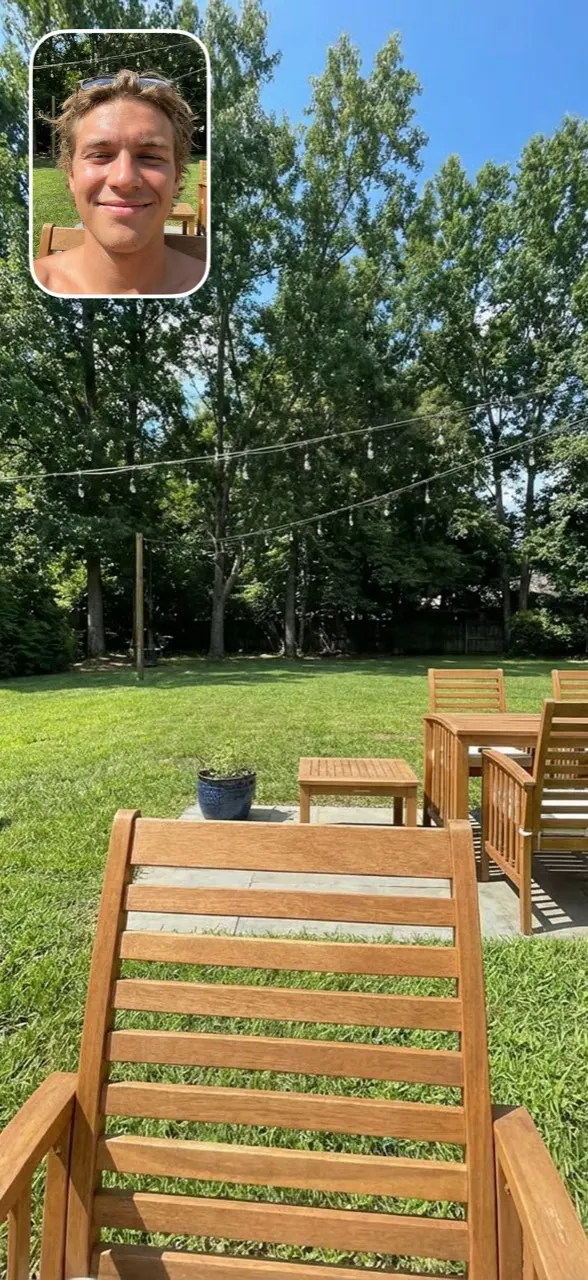
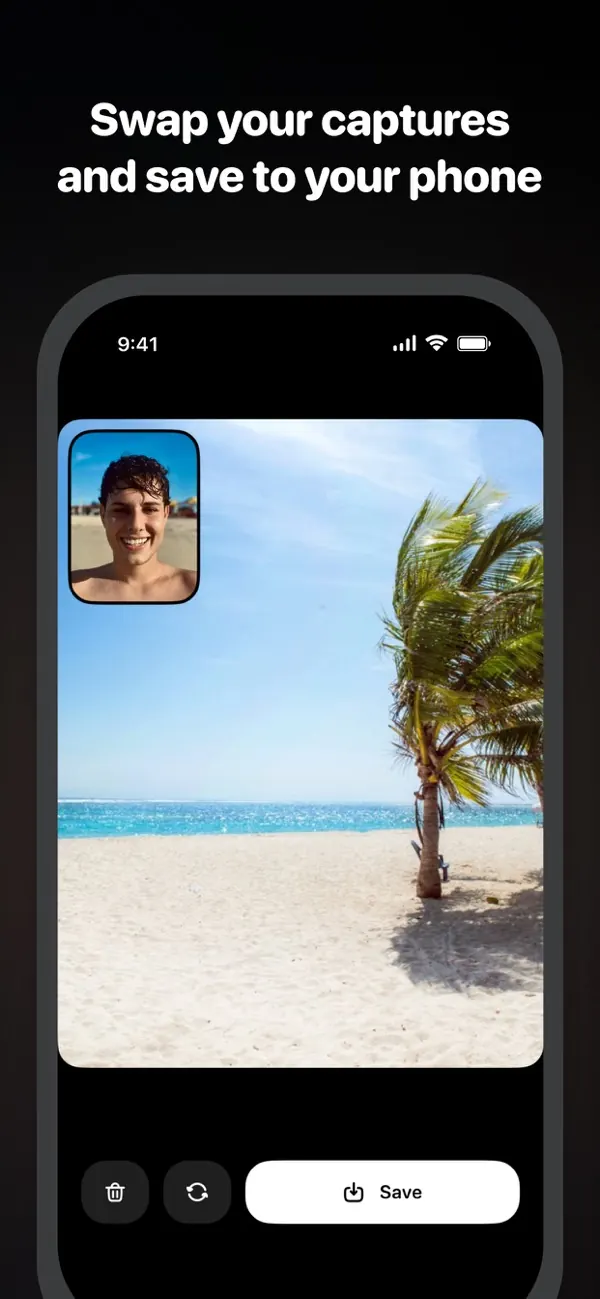
Selfie shoots photos and videos with your iPhone’s front and back cameras at the same time: you and what you’re seeing, in a single frame, with 48 vintage camera looks for photos.
First capture free · iOS 17+ · 50+ vintage cameras · 4.7★ on the App Store


What is Selfie?
Selfie (full name: Selfie - Front and Back Camera) is an iOS camera app that captures photos and videos with the iPhone’s front and back cameras simultaneously, in a picture-in-picture layout you can reposition. It includes 48 vintage camera presets (35mm film, medium format, instant, VHS, CCTV, thermal and more) applied live in the viewfinder to both cameras for photos. Dual capture uses Apple’s multi-cam engine, so photos are real simultaneous exposures, not two shots stitched together. Requires iOS 17 or later. Free to download on the App Store, with the first capture free and a subscription after that.
What it does
Dual photo & video
Front and back cameras fire at the same time. One tap, both perspectives, photos and videos with sound.
48 vintage cameras
35mm film, medium format, instant, VHS, CCTV, thermal, fisheye. The look renders live in the viewfinder, on photos.
Picture-in-picture control
Move the front-camera window to any corner, pick frame colors, or swap which camera is the big view.
Full camera, still
Zoom from 1x to 5x, flash, timer, grid and level, and save straight to your library.
Inside the app
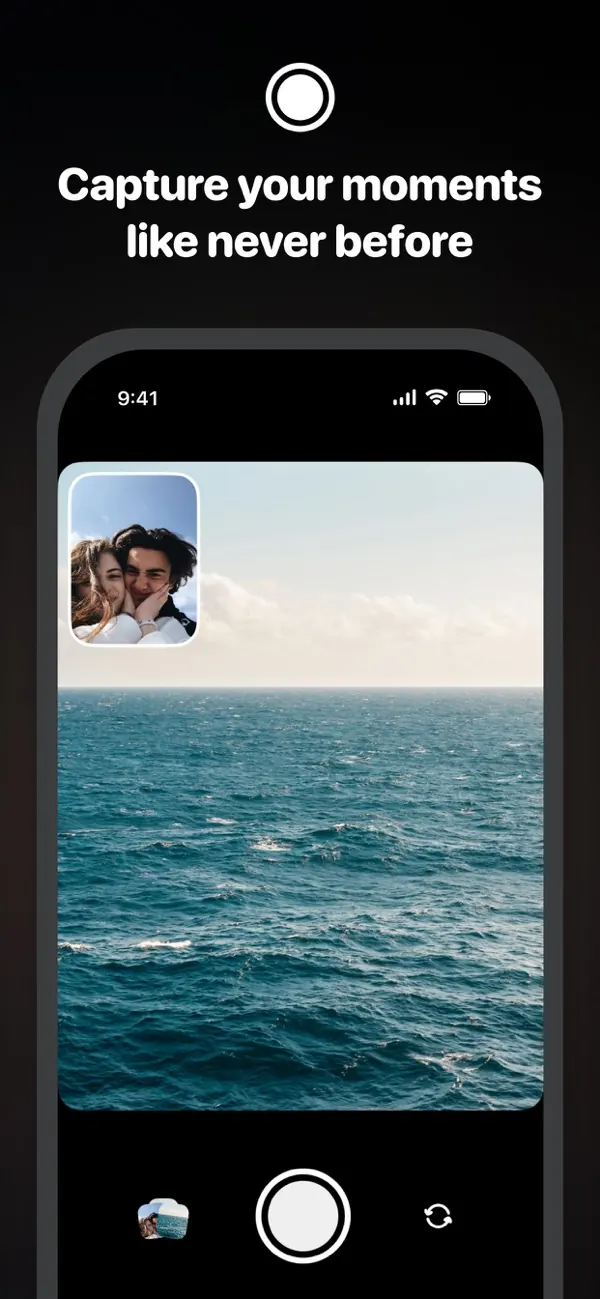
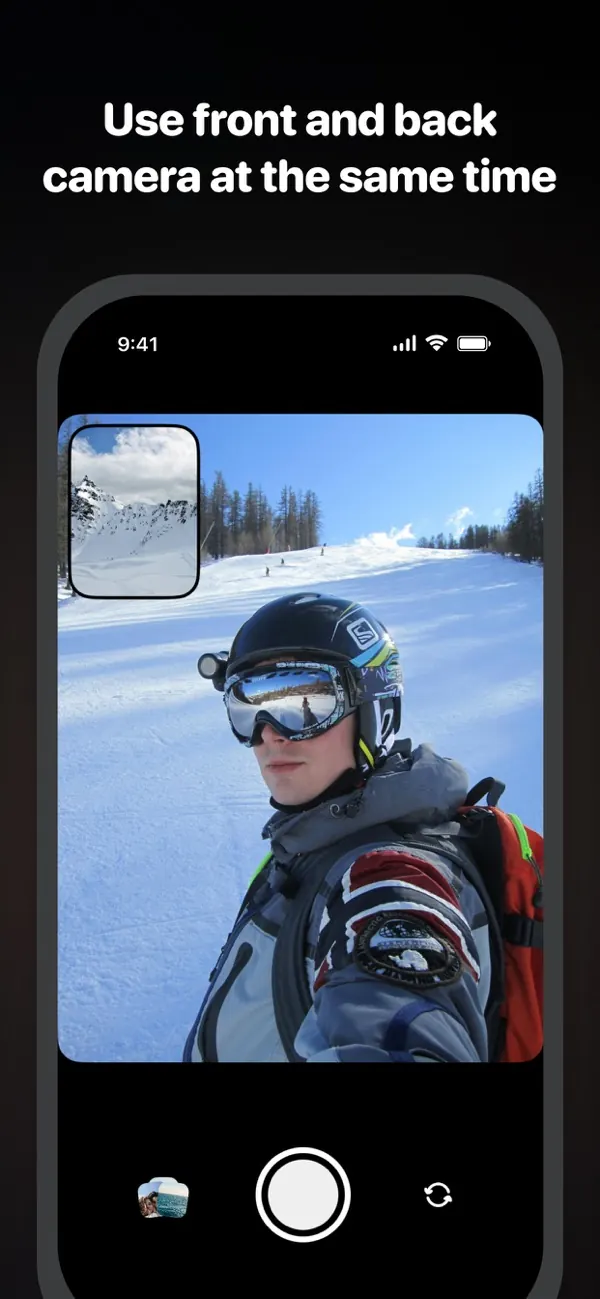
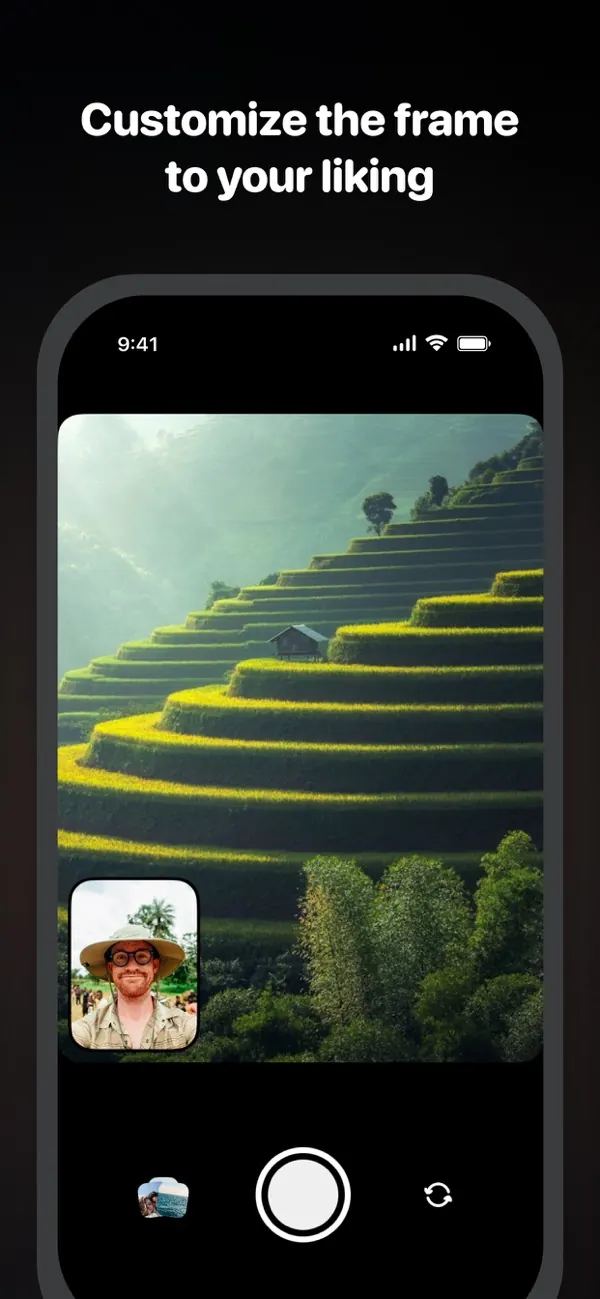
Guides
Practical answers to dual-camera and vintage-filter questions.
- Dual Capture on iPhone: how to use it, which iPhones have it, and where it stops Apple's built-in Dual Capture records the front and back camera in one video. The steps, the model list from Apple's own guide, the limits (video only, no dual photos, nothing before the iPhone 16), and what to use instead.
- How to take a photo or video with both iPhone cameras at once One shot that shows what you are looking at and you looking at it. Which iPhones can do it, when the built-in Camera app is enough, and the steps for a dual photo or a dual video with sound in Selfie.
- How to add a facecam to your iPhone videos (no editing) The streamer-style face window on regular videos — recorded live in one take instead of composited in an editor. Setup, layout choices, and when facecam helps.
- Aesthetic camera apps for Instagram stories in 2026 Which camera aesthetics actually work on stories — disposable, film, VHS, CCTV — and the apps that shoot them live instead of filtering afterwards.
- How to take BeReal-style photos without BeReal The front-and-back photo format outside the social network: on your schedule, truly simultaneous, saved to your library — and how it differs technically from BeReal.
- The best camera apps for iPhone in 2026, by what you actually need Stock camera, pro-control apps, vintage looks, dual capture — the honest map of the iPhone camera app landscape and which category solves which problem.
Frequently asked questions
Is Selfie free?
Selfie is free to download and the first capture is free. After that, the Pro subscription (weekly or annual) unlocks unlimited captures. Every camera preset is included at every tier.
Can it really use both iPhone cameras at the same time?
Yes. Selfie uses Apple’s multi-cam capture engine (AVCaptureMultiCamSession) to run the front and back cameras simultaneously. Both photos are taken in the same instant, not stitched from two separate shots.
Does it record video with both cameras too?
Yes. Dual video records the front and back cameras at the same time, with microphone audio, up to 60 seconds per recording, and saves the result to your library.
Which iPhones support dual capture?
Any iPhone that runs iOS 17 (iPhone XS / XR and newer) supports multi-cam capture. In dual mode, both cameras use their wide-angle lenses.
Can I move the small front-camera window?
Yes. The picture-in-picture window can sit in any of the four corners, with a choice of frame colors, or you can switch which camera is the big view.
Do the vintage filters apply to both cameras?
Yes, for photos. The selected preset renders live on both the front and back preview, and the captured photo matches what you saw in the viewfinder, including grain for film presets. Video is recorded without a preset.
Why is zoom limited in dual mode?
While both cameras run, the ultra-wide lens is not available, so zoom covers 1x to 5x on the back camera.
Is there an Android version?
Selfie is currently an iOS app for iPhone, distributed through the App Store.